
Monitor a robot fleet with heartbeats and telemetry
Use robot heartbeats and telemetry to investigate fleet health. Organize cohorts, inspect stale signals, and plan an operator response in Robots Center.
On this page Jump to section
A fleet board is useful when it helps an operator answer a concrete question: which robot needs attention, and what should we check next? A green status alone cannot tell you whether a unit has enough battery for its next task or whether a sensor reading is becoming unusual.
Use identity, heartbeats, and telemetry together. They describe different aspects of a device, and keeping those meanings separate makes an investigation more reliable.
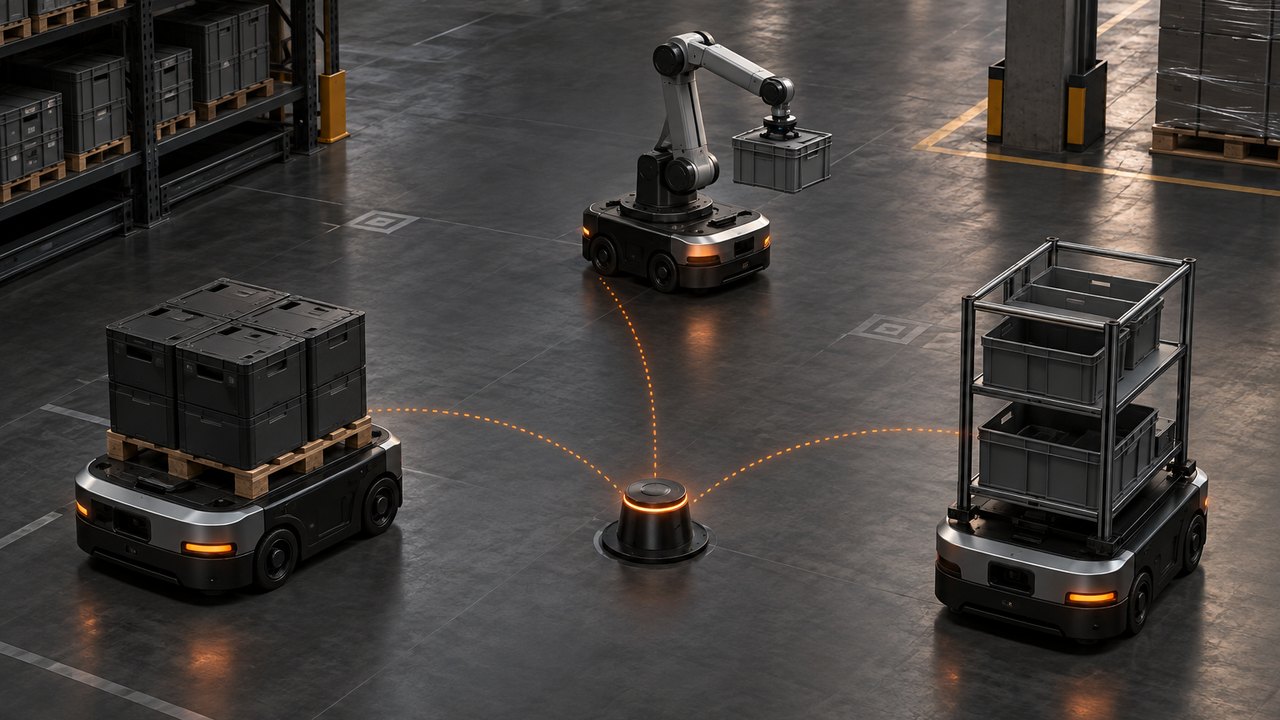
The three-robot warehouse in this guide is a fictional walkthrough, not a customer deployment or a physical-safety recommendation.
Start with one credential per robot
Give each physical unit its own identity. Robots Center's enrollment flow can use a multi-claim token with a serial allowlist; each successful claim receives an individual credential. Do not reuse one robot's credential across the fleet to simplify setup.
The machine-facing /api/v1/robots/me routes resolve the robot from its authenticated identity. There is no arbitrary robot ID in the telemetry request. That relationship is important: readings from three devices sharing one identity cannot produce a trustworthy three-device history.
Follow the fleet provisioning guide for enrollment and claim requirements. Limit each device credential to the scopes its integration needs; heartbeat and telemetry writes require fleet:write.
Give heartbeats and measurements different jobs
A heartbeat tells the platform that the device has recently reported. A telemetry measurement describes something the device observed, such as battery level or motor temperature. Neither proves that a physical task completed safely.
In our warehouse example, one robot stops receiving work. Its recent heartbeat narrows the question: the reporting path is alive, so check its measurements and coordinating software rather than immediately assuming the device is disconnected.
Send heartbeats through POST /api/v1/robots/me/heartbeat. Choose a cadence appropriate for your device and network, and check reporting gaps as gaps—not as a complete diagnosis. The fleet API reference documents the available self-service routes.
Report a small, useful set of metrics
Begin with measurements that affect a real operator decision. For the example fleet, battery level and motor temperature are enough to demonstrate two different follow-ups. Keep metric names and units consistent across comparable units.
Send batches to POST /api/v1/robots/me/telemetry using the robot's own credential. This synthetic example omits recorded_at, so the readings use receipt time:
{
  "batch_id": "warehouse-demo-robot-03-batch-001",
  "readings": [
    {
      "metric_name": "battery_level",
      "metric_value": 24.5,
      "unit": "percent"
    },
    {
      "metric_name": "motor_temperature",
      "metric_value": 61.2,
      "unit": "celsius",
      "status": "warning"
    }
  ]
}
The warning value is supplied by this example producer; it is not a universal temperature threshold or evidence that Robots Center classified the reading automatically. Use limits appropriate to the actual hardware and operating conditions.
Make retries preserve the evidence
Networks fail. Keep a stable batch_id while retrying the same batch for the same robot. An already accepted batch returns a duplicate acknowledgement rather than inserting its readings again. Sending a changed payload under that consumed ID does not update the old batch.
Inspect the response even when the status is HTTP 200. A mixed batch can accept valid readings and report errors by index for invalid ones. The batch ID is then consumed. Correct rejected readings and submit them under a new ID; do not replay the original ID expecting the corrected values to be inserted.
For an offline backlog, preserve the original recorded_at timestamps. The documented ingest window accepts readings up to seven days old and five minutes into the future. Sending every queued measurement with the reconnection time would misrepresent when the device observed it.
The telemetry guide covers the 500-reading batch limit, per-reading errors, retry behavior, retention, and time windows. Honor rate-limit responses and plan quotas instead of retrying without a bound.
Compare the right devices over the right window
Organize robots into useful groups and sites, then filter the fleet view to the devices involved. A warehouse zone or hardware cohort is often a more useful comparison than the entire account. The cohort guide explains static and rule-based membership.
Telemetry charts use rollups: the one-hour view uses minute buckets, while longer supported windows use hour buckets. Use that context when reading a trend. An aggregate is not a high-frequency control signal and can hide details inside a bucket.
In our example, compare the affected robot's recent battery and temperature trend with its own earlier behavior, then with genuinely comparable units. Different workloads can explain different readings. Do not diagnose hardware failure from one chart alone.
Connect software evidence without confusing it with safety
If an AI agent coordinates the robot's tasks, report its execution events as traces and retain the service-agent relationship. A robot heartbeat and an agent's failed tool call are complementary evidence: one concerns device reporting, the other concerns the software workflow.
Keep the physical safety system independent. Monitoring, audit trails, and gateway controls do not replace onboard safety logic, emergency-stop hardware, or a site's operating procedures. A dashboard action is not a guarantee that a moving robot has stopped.
Start with one robot, one reporting path, and one question an operator can answer. Verify those measurements before expanding the same integration across the fleet.
For the broader operating model, see robot fleet management. Add more metrics only when they support a better decision—not just a busier dashboard.